-
Posted by Kuula Team on 2019-12-02Tutorial: 4 easy ways to organize your Kuula profile page
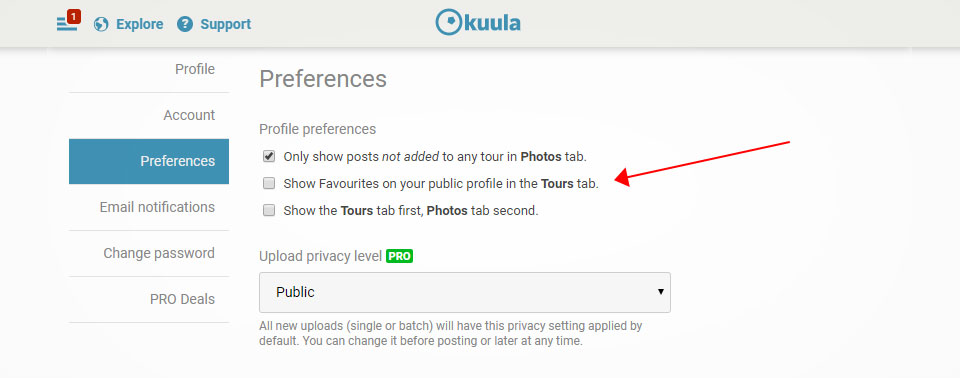
We would like to introduce you to a small feature that can make browsing your profile much easier both for you and your visitors. Take a look at the below 4 easy ways to organize ypur profile page.
Continue -
Posted by Anna Stark on 2019-12-02newsKuula has been named the best Virtual Tour software by GoodFirms

This is a guest post written by GoodFirms. Please read below an overview of Kuula on GoodFirms website. View Kuula GoodFirms' profile and learn more about Kuula features, pricing and read the reviews.
Creating real estate virtual tours that sell clients' products endows Kuula to accelerate as one of the best virtual tour software at GoodFirms.
Continue -
Posted by Kuula Team on 2019-11-26Black Friday 2019: 20% off on all Kuula plans for Black Friday 2019
Black Friday exclusive deal from Kuula is waiting for you! For a limited time we're offering 20% off on Kuula PRO and Business plans.
Continue -
Posted by Kuula Team on 2019-11-26We offer Ben Claremont's Virtual Tour PRO 20% off for Black Friday!
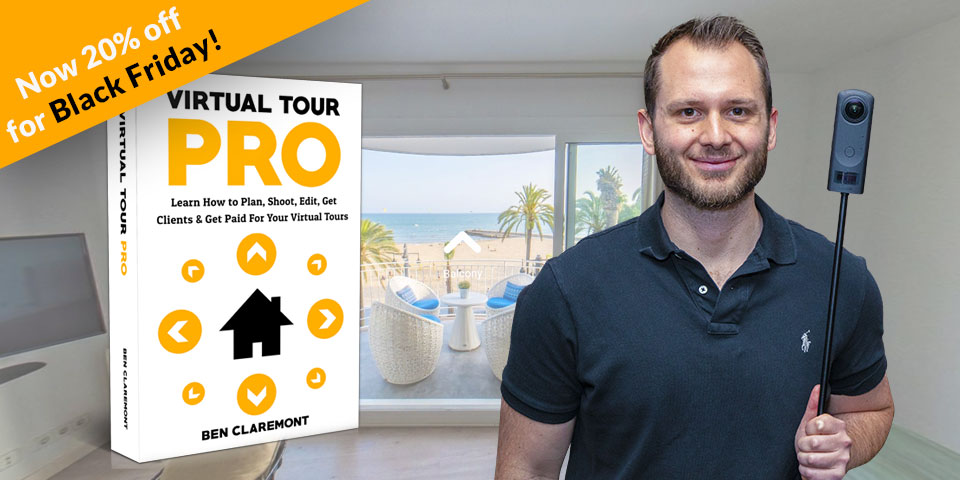
Ben Claremont, a veteran in the field of 360 video and photography, is now offering a video course on how to build Virtual Tours called Virtual Tour PRO. Ben's courses are unique, because he covers not only photography & software used in tours, but also the business side of it. Thanks to his years long experience, he is able to share a series of in-depth lessons full of practical knowledge. We feel honored that Kuula has been selected by Ben as his "Software of choice" when it comes to Virtual Tours creation.
Continue -
Posted by Kuula Team on 2019-11-25Tutorial: How to display a hotspot label on hover only
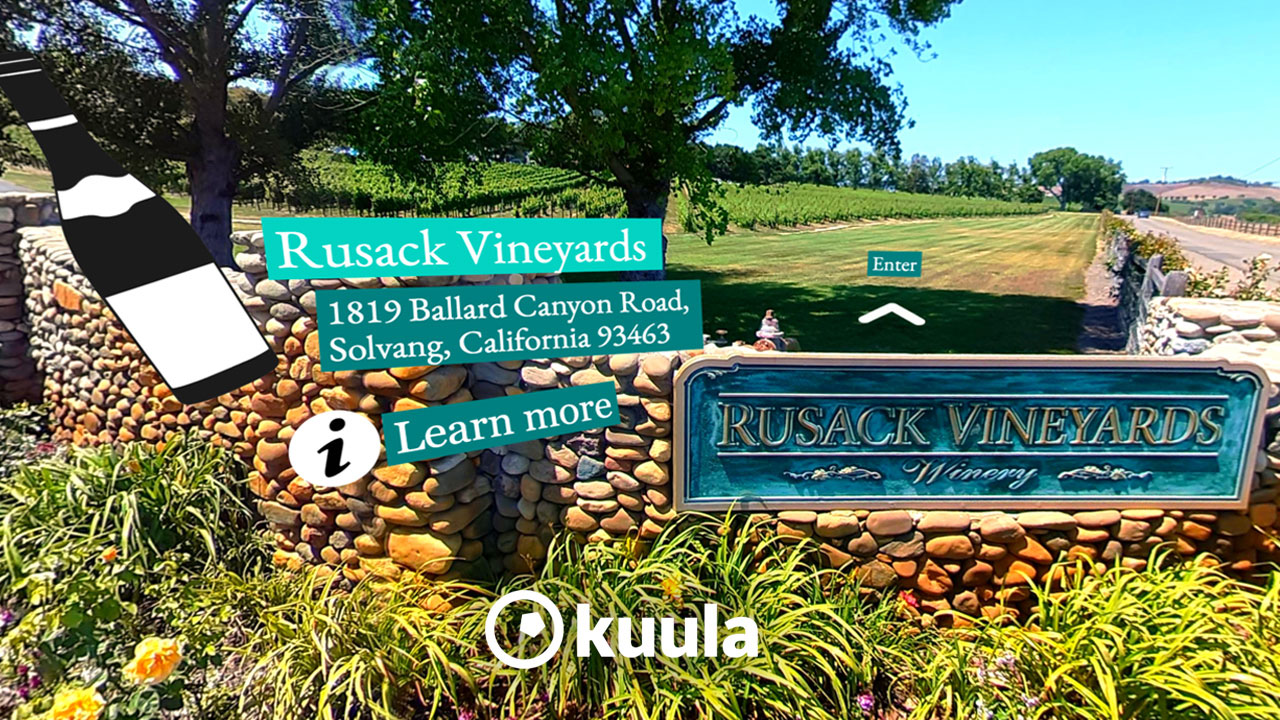
Sometimes you don't want the hotspot label to be visible all the time. You'd prefer to show it on hover only.
Continue -
Posted by Kuula Team on 2019-11-25use casereal estate5 reasons to use Kuula Virtual Tours in real estate marketing

Home buying process can be stressful. There are so many reasons for this: finances, pre-approval, the many parties involved - but what is probably most discouraging, especially for new home shoppers, is the discrepancy between listing and reality that is true of so many homes.
Continue -
Posted by Kuula Team on 2019-11-14newsBen Claremont chooses Kuula as his virtual tour software of choice

We're honored to hear that Kuula has been chosen as Ben's software of choice. He has reviewed over 15 Virtual tour softwares and he picked Kuula as one leading the pack.
Continue -
Posted by Kuula Team on 2019-10-31How we have been building trust and relationship with our users

For some, the ability to create 360 Virtual Tours is a profession. For others, photography is a passion and accessible panoramic functionality creates all kinds of new artistic opportunities. When it comes to identifying a service for creating virtual tours, hosting, and sharing 360 degree content, trustworthiness is likely going to weigh heavily in that decision.
Continue -
Posted by Kuula Team on 2019-10-14tutorialHow to create password protected Virtual Tours using Kuula

Password Protected virtual tours are on Kuula now and it's very easy to create them. Now you can be sure that only viewers with the password will be able to explore your tours.
Continue -
Posted by Kuula Team on 2019-09-23Tutorial: How to manage the thumbnail bar in 2 easy steps
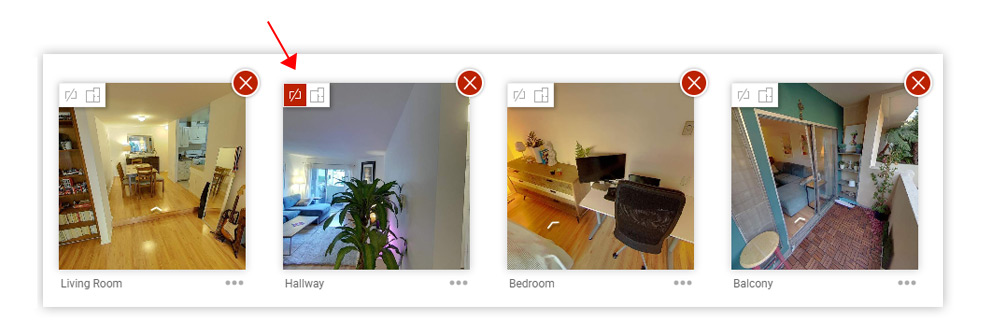
Do you have too many images in the thumbnail bar of your virtual tour? Now you can manage this and exclude some of them.
Continue
