-
Posted by Kuula Team on 2016-10-03Beginner tutorial: How to get started with 360° photography?
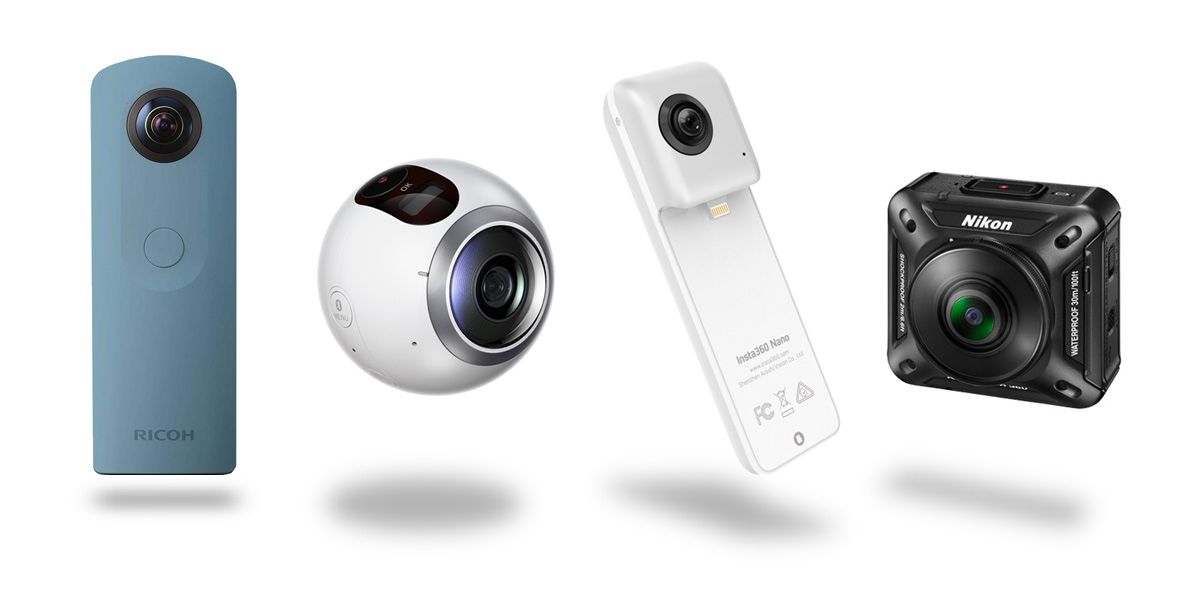
The Holiday season is upon us and everyone is trying to figure out what presents to get. If you like to try new, cool devices, a 360° camera is an ideal gift! Don't worry - 360° photography no longer requires expensive equipment and complicated software. There is a few great, inexpensive point-and-shoot cameras on the market and now they got even cheaper!
Continue -
Posted by Kuula Team on 2016-09-08Interview with a talented VR creator Quba Michalski (aka QubaVR)
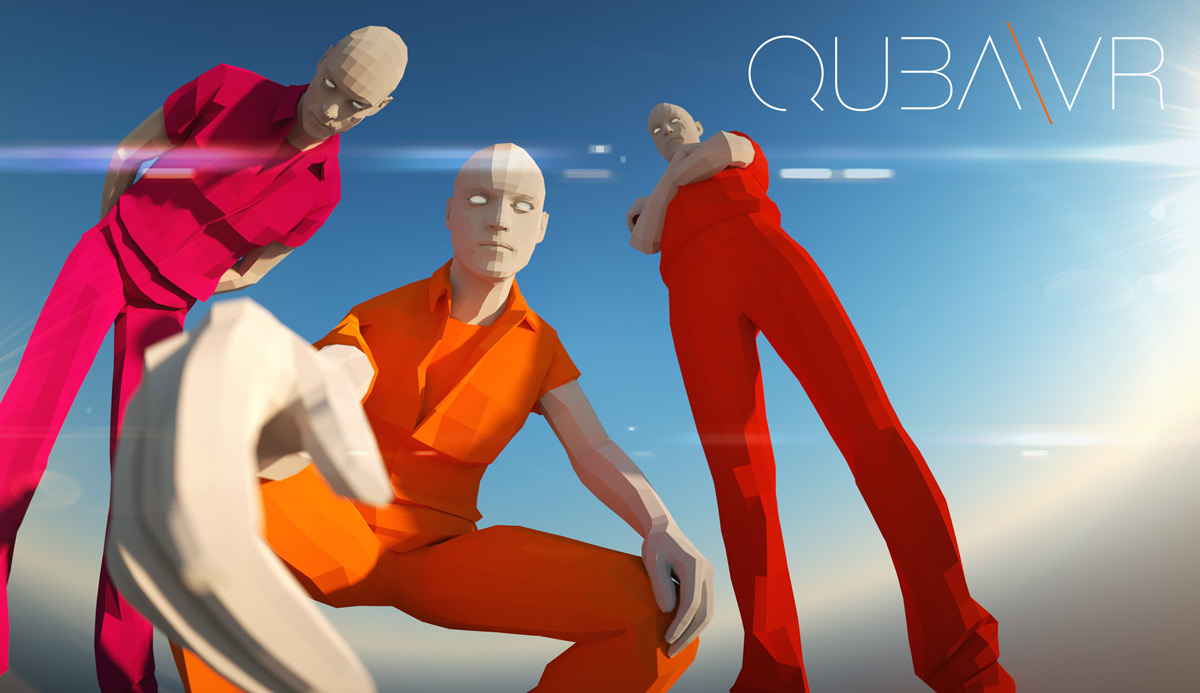
We present first in a series of interviews with our users. This time we sat down with Quba Michalski, who was one of the very first to join us and post his work on Kuula. Check out what he has to say about 360° images and VR in general. Enjoy!
Continue -
Posted by Kuula Team on 2016-09-06Examples of 360 in-game screenshots captured with NVIDIA Ansel
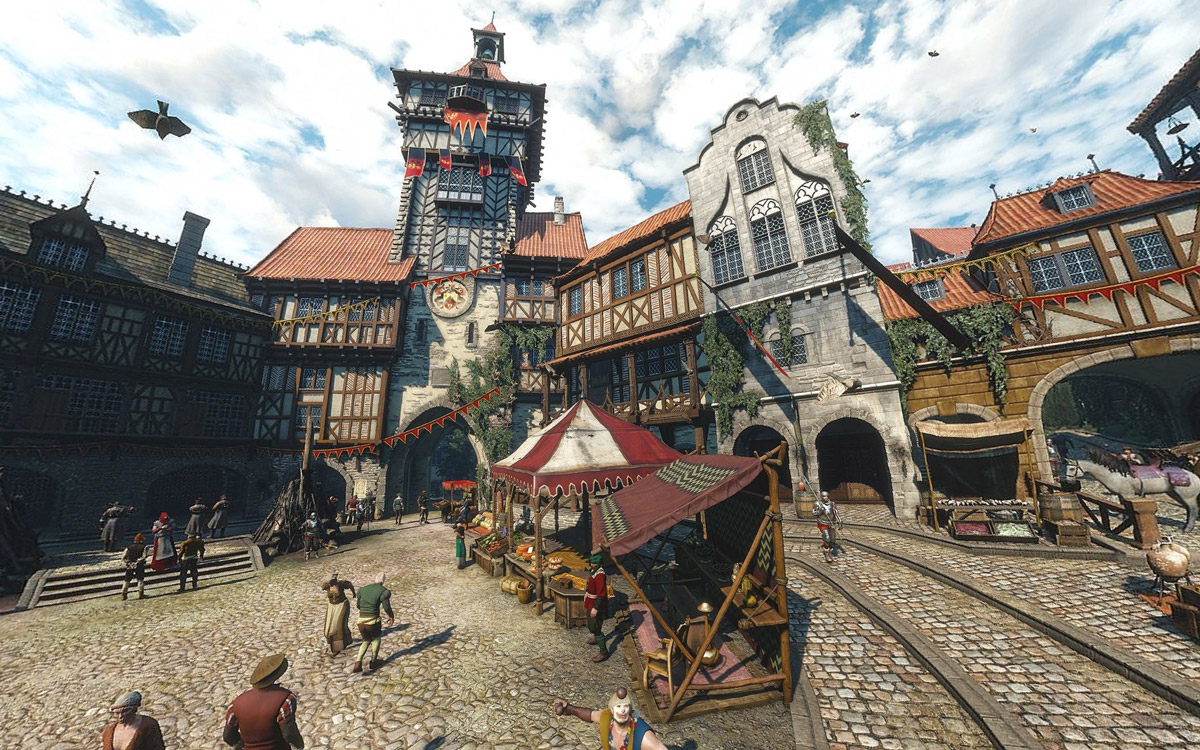
Have you heard of Ansel? It's a new technology to capture 360 in-game shots introduced by NVIDIA a few months ago. Our users already posted their first captures and they look amazing!
Continue -
Posted by Kuula Team on 2016-05-17Tutorial: How to share and embed 360° photos using Kuula, it's simple!
The web is all about sharing. People share information, images, videos every day. We built Kuula, because we felt there wasn't a good place to share 360° photos on the web and sharing has been the central feature of Kuula ever since.
Continue -
Posted by Kuula Team on 2016-05-16tutorialDid you know these 3 easy steps how to upload your 360 photos on Kuula?
Uploading 360 photos and images has never been easier thanks to Kuula. Whether you want to experiment taking 360 photos with your mobile phone, have a Ricoh Theta or a DSLR or use a 3D software to render 360 images, Kuula is the best place to share your work. It has an easy to use interface for uploading files and it works right in your browser on both desktop and mobile devices.
Here's a handy quickstart guide how to use Kuula, register and upload your first image! It's very easy.
Continue -
Posted by Kuula Team on 2016-05-12Tutorial: How to shoot 360 photos with a smartphone
When Google Street View first came out, it was an amazing technical achievement. Browsing 360° Street View photos felt a lot like actually going to all these places!
Continue
