
How to Add an Interactive Floor Plan to Your Kuula Virtual Tour
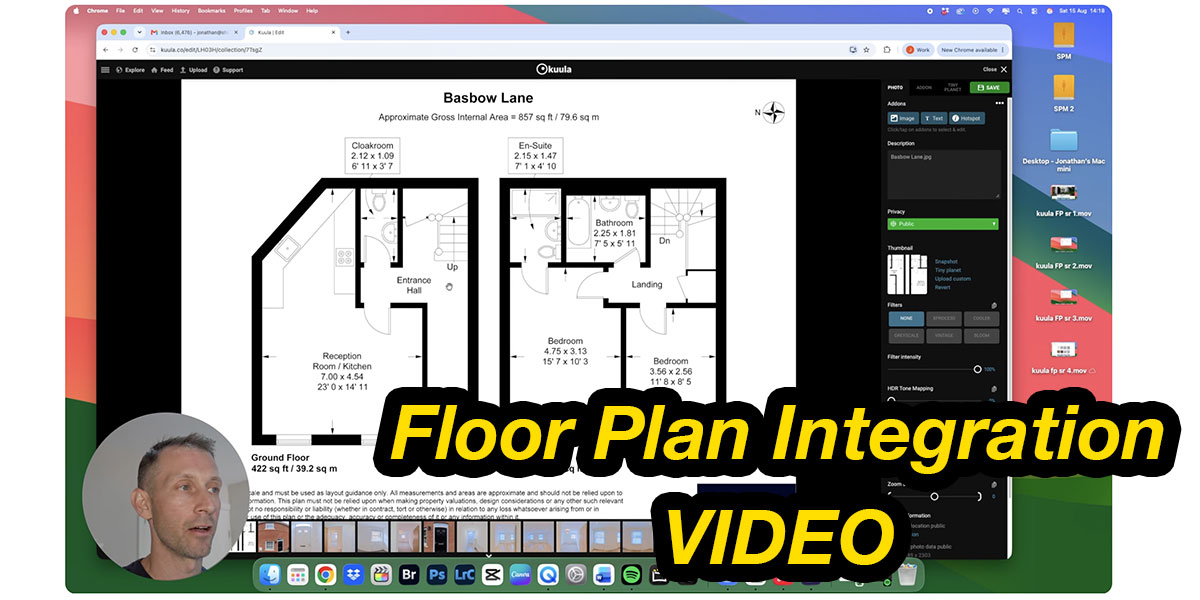
360 photography and virtual tour expert Jonathan Shilton has recently released a new YouTube video showing how to create an interactive floor plan using Kuula!
Interactive floor plans are a great way to give viewers better spatial context when exploring a virtual tour. Rather than simply moving from room to room, viewers can see exactly where each space is located and easily navigate through the property.
In this tutorial, Jonathan takes us through the complete process of adding a floor plan to a Kuula tour, adding interactive hotspots, and linking each room to the corresponding 360° image. He also demonstrates Kuula's video recording feature and explains how real estate photographers can use floor plans as an additional service for their clients.
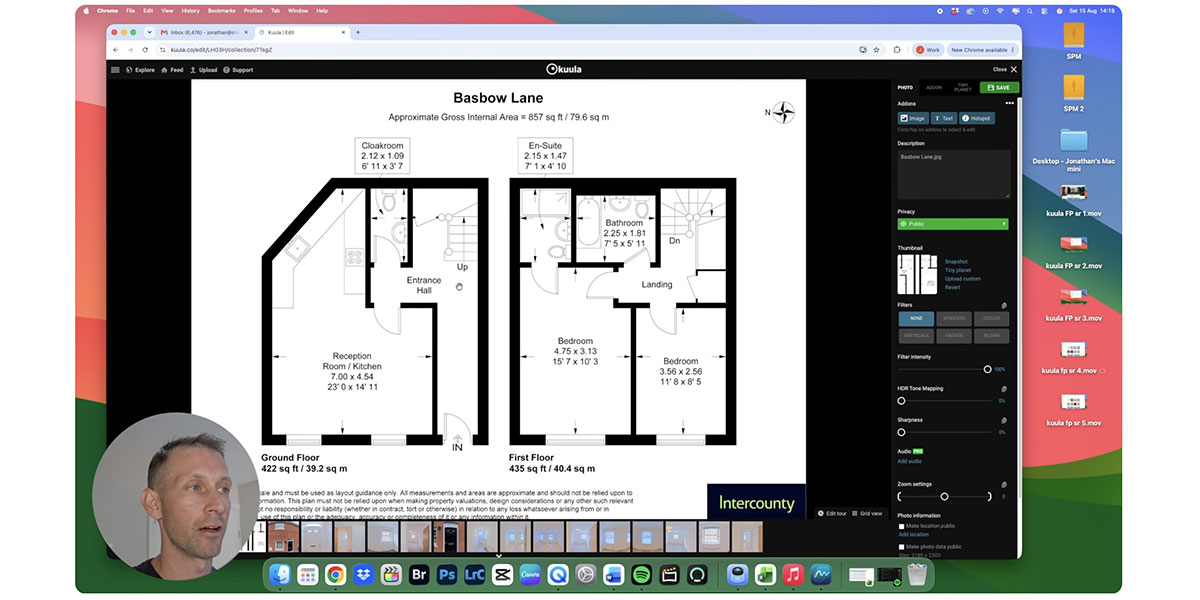
This is a great way to make your virtual tours more engaging and easier to navigate, while giving your real estate clients another valuable feature to offer potential buyers. Whether you're new to Kuula or already creating virtual tours, there are some useful tips here for taking your tours to the next level.
Watch the Tutorial
Check out Jonathan's full tutorial below:
You can also watch it directly on Jonathan's YouTube channel: watch here.